 Benpocket
Desktop toolkit · Windows · macOS · Linux
Benpocket
One desktop app. Every tool you reach for daily.
Benpocket is a personal multi-purpose desktop toolkit — a Swiss Army knife of small tools combined into one app instead of scattered across a dozen different apps and websites.
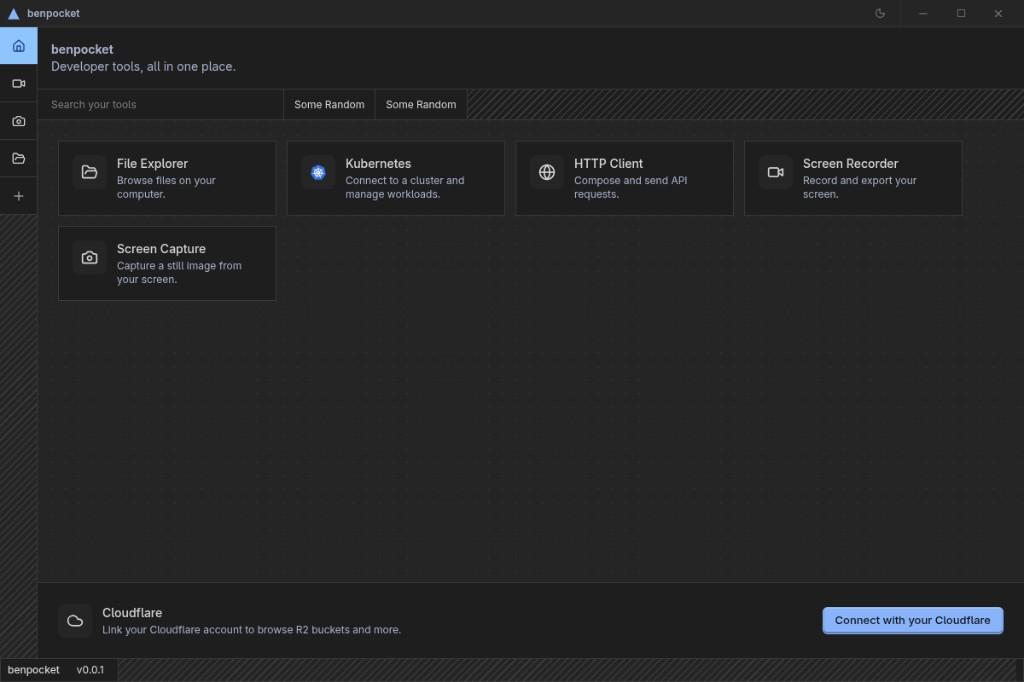
Tools
Owned by Tool Masters · local-first desktop app
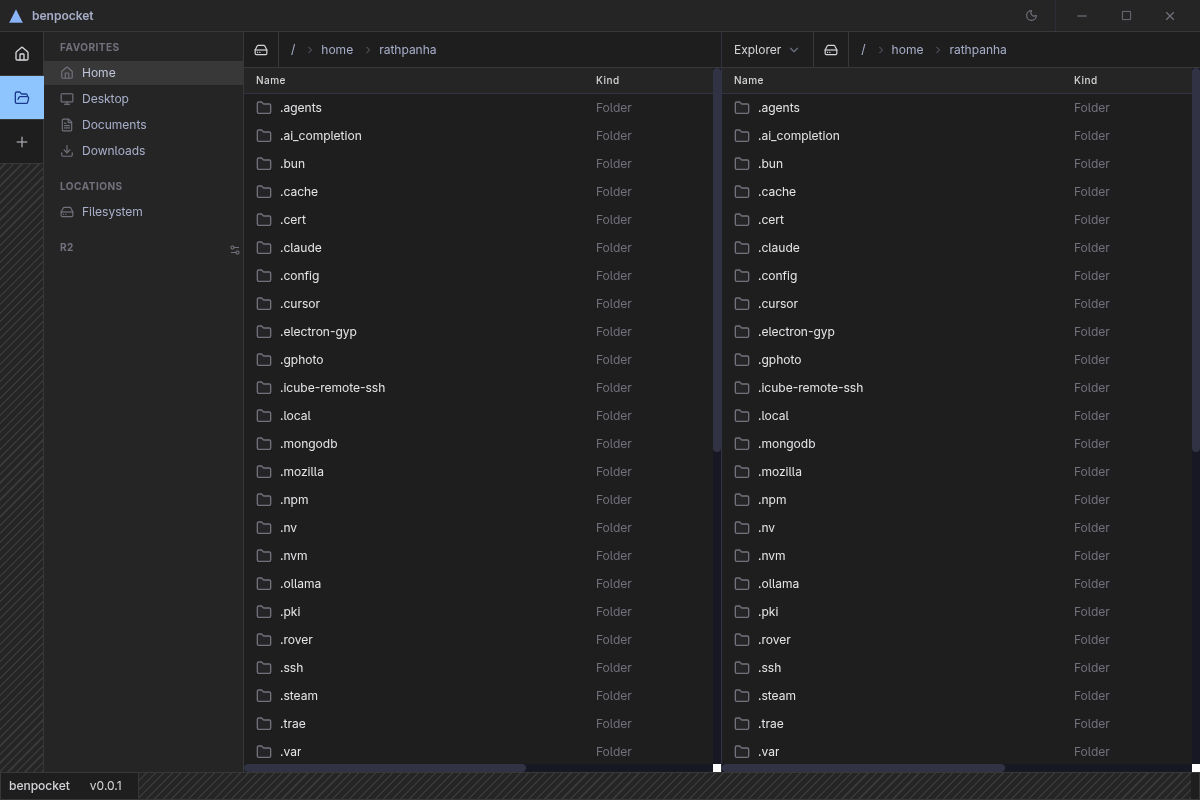
File Explorer
· InvisalDual-panel local file browser with in-app editing, file preview, and Cloudflare R2 support.
- Dual-panel layout — browse two directories side by side
- Preview images, video, and text files without leaving the app
- Inline file editor with unsaved-changes protection
- Cloudflare R2 bucket browsing
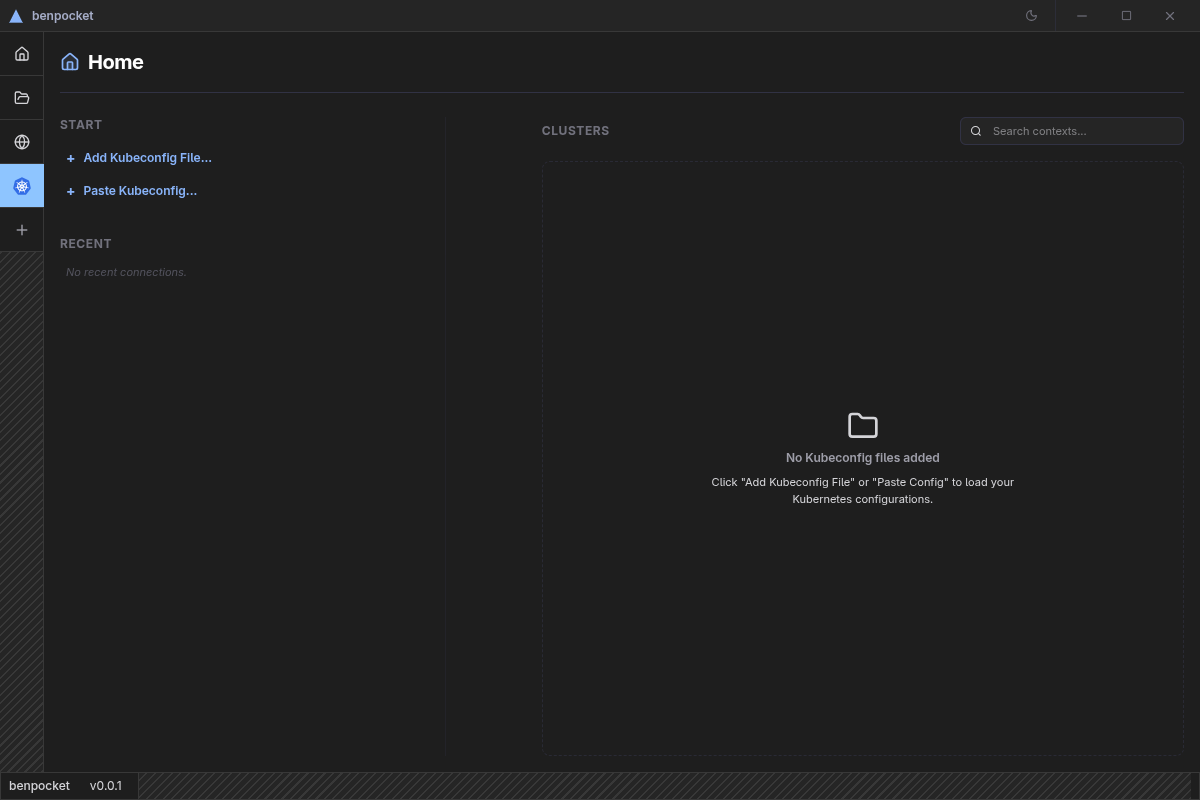
Kubernetes
· Kep PereFull-featured GUI for managing Kubernetes clusters — browse every resource type, manage Helm releases, and open an integrated terminal.
- Browse pods, deployments, services, configmaps, and 20+ resource types
- Install and manage Helm charts and releases
- Port forwarding and integrated terminal per pod
- Cluster overview with Prometheus metrics
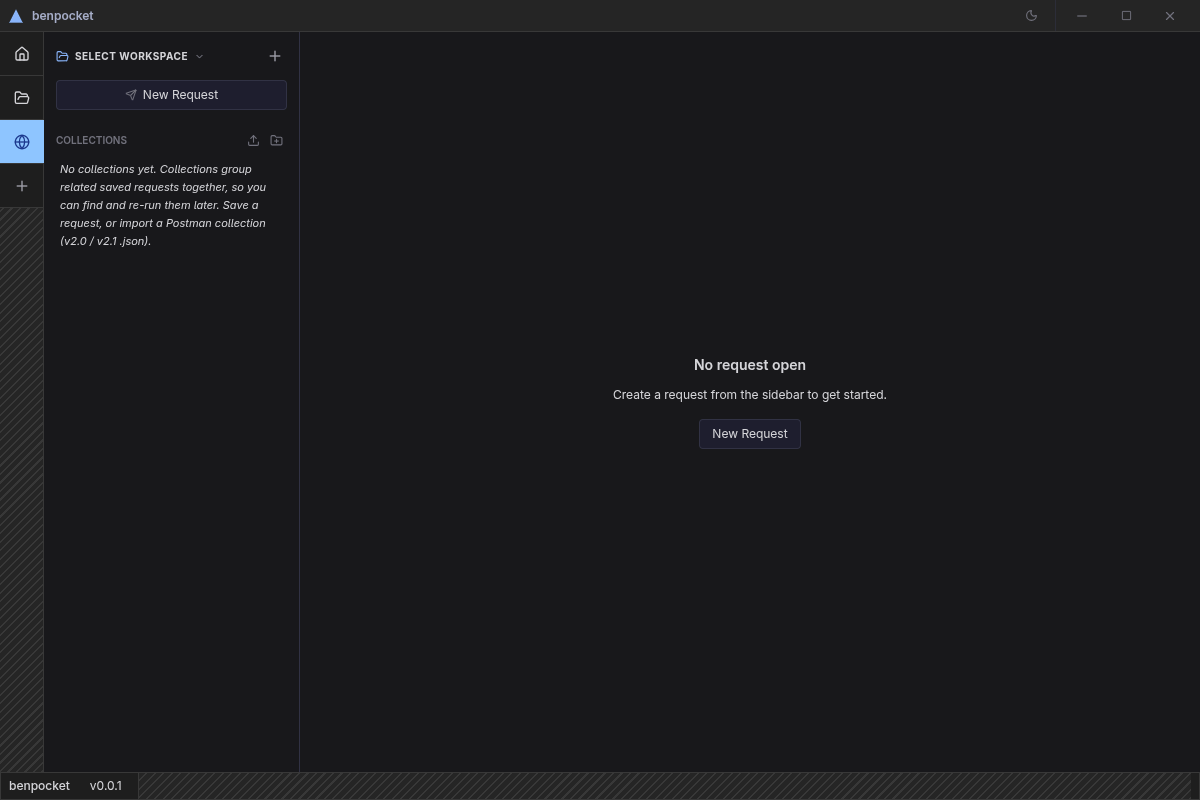
HTTP Client
· OdumCompose and send HTTP and WebSocket requests, inspect responses, and organize everything into saved collections.
- REST requests with headers, body, and auth — including OAuth2
- WebSocket connection testing with live message log
- Saved collections and environments with variable support
- Code snippet export and formatted response preview
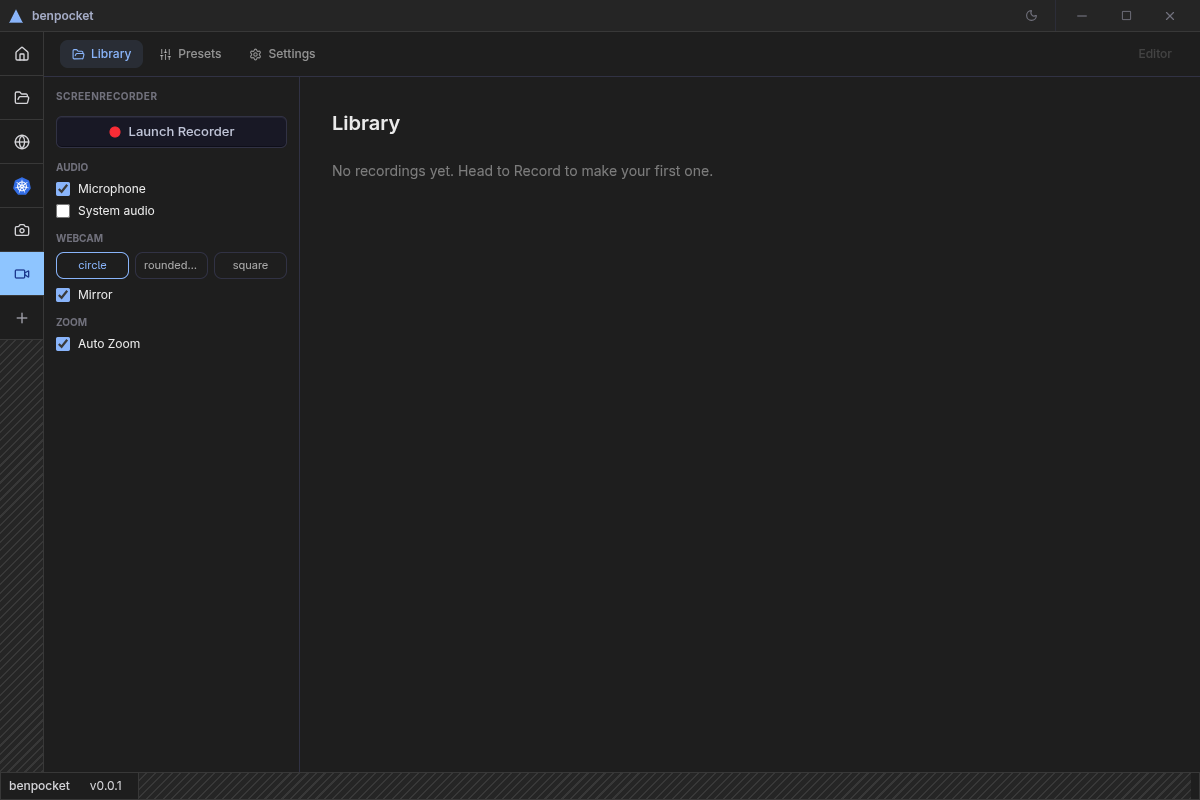
Screen Recorder
· RothRecord your screen with mic, system audio, and webcam overlay, then edit and export using a full timeline editor.
- Record screen or window with mic, system audio, and webcam
- Timeline editor with annotations, captions, blur mask, and zoom effects
- Custom backgrounds and cursor highlighting
- Export to MP4, WebM, MOV, or GIF with built-in presets
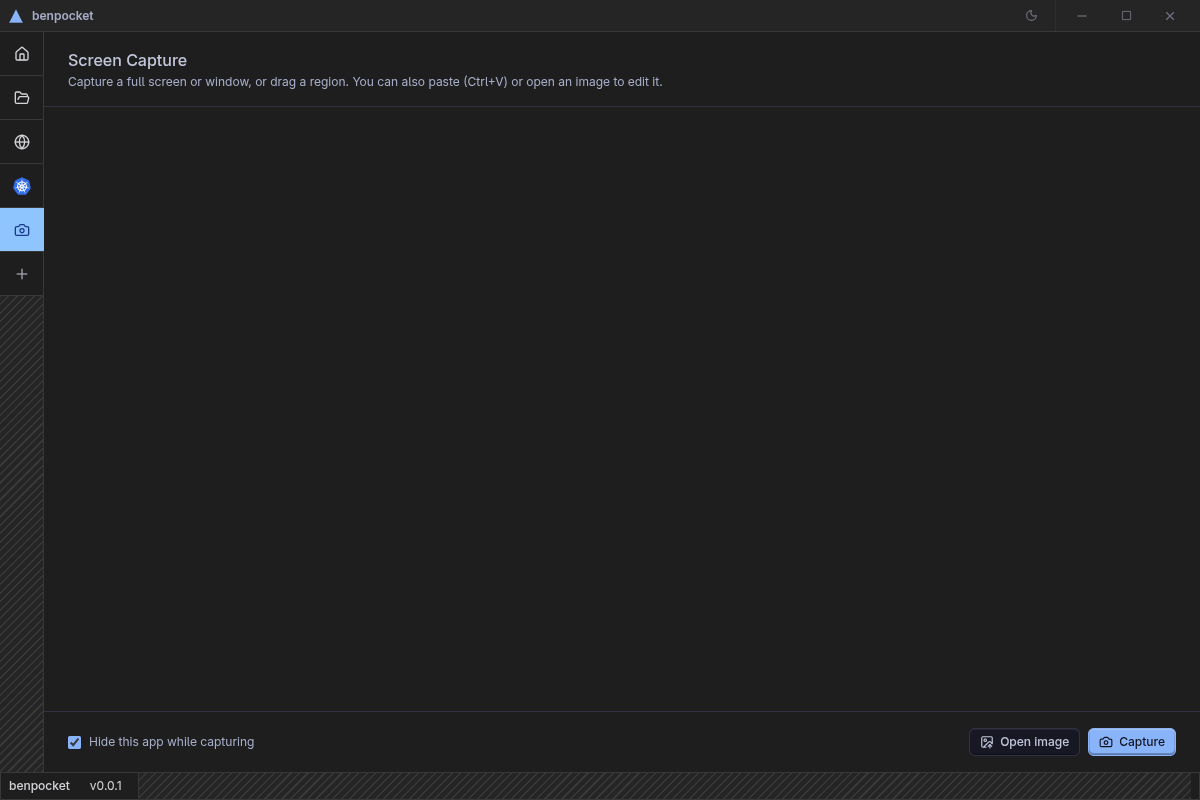
Screen Capture
· RathpanhaCapture a full screen, window, or freehand region, annotate it, then copy to clipboard or save instantly.
- Capture full screen, individual window, or a dragged region
- Annotation editor with pen, highlight, corner rounding, and crop
- Auto-copies to clipboard the moment you capture
- Save as PNG, JPEG, or other formats

Tool Masters
Who owns each tool
FAQ
Short answers